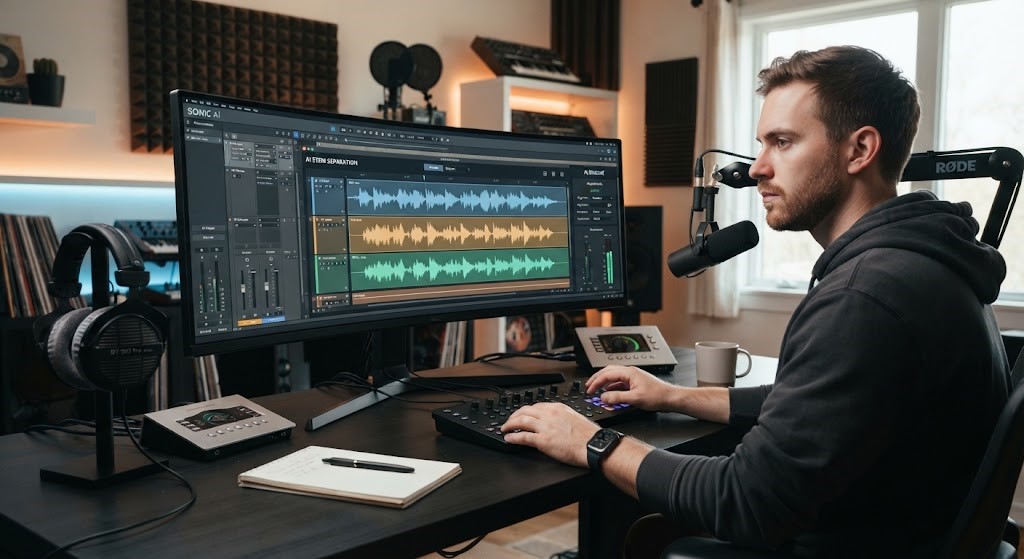
This is where a Music Remover tool becomes useful.
A Music Remover uses advanced artificial intelligence technology to analyze audio files and separate different elements within a track. Instead of manually editing complex sound layers, users can quickly remove vocals, extract instrumental versions, or prepare audio for creative projects.
Whether you are a content creator, musician, karaoke enthusiast, DJ, student, or audio hobbyist, AI-powered music removal technology provides a simple way to work with audio files.
Understanding how Music Remover tools work, their benefits, and their practical uses can help users make better decisions when editing and creating audio content.
What Is a Music Remover?
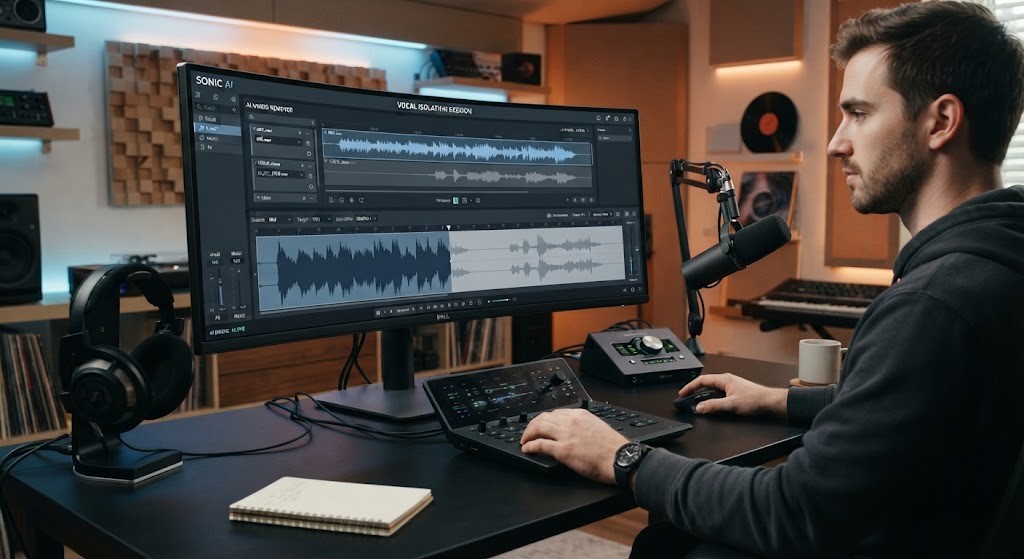
A Music Remover is an audio processing tool designed to separate vocals, instruments, and other sound components from a music track.
Traditional audio editing often requires advanced software skills and access to original recording files. However, many modern Music Remover platforms use AI algorithms to analyze a finished song and identify different audio layers.
These tools can help users:
- Remove vocals from songs
- Create karaoke versions
- Extract instrumental tracks
- Isolate voices
- Prepare samples for editing
- Improve audio projects
The technology makes advanced audio separation accessible to beginners and professionals.
How Does a Music Remover Work?
AI-powered Music Remover tools rely on machine learning models trained to understand audio patterns.
The process generally involves several steps.
Audio Analysis
When a user uploads a song, the AI system analyzes the audio file.
It identifies characteristics such as:
- Vocal frequencies
- Instrument sounds
- Background elements
- Rhythm patterns
The system uses these patterns to understand the structure of the recording.
Source Separation
After analyzing the track, the AI separates different components.
Commonly separated elements include:
- Vocals
- Drums
- Bass
- Piano
- Other instruments
This process is known as audio source separation.
Audio Processing
Once the components are separated, users can download or edit individual tracks.
For example, someone can:
- Remove vocals
- Keep only instruments
- Adjust audio levels
- Create a remix
Why Use a Music Remover?
There are many reasons people use AI music separation tools.
Create Karaoke Tracks
One of the most popular uses of a Music Remover is creating karaoke versions of songs.
By removing vocals, users can create instrumental tracks for:
- Singing practice
- Performances
- Parties
- Music education
Support Music Production
Musicians and producers often need clean audio elements.
A Music Remover can help with:
- Remixing songs
- Studying arrangements
- Creating samples
- Practicing instruments
Improve Video Content
Content creators frequently need background music without vocals.
A Music Remover allows creators to prepare customized audio for:
- YouTube videos
- Social media content
- Presentations
- Podcasts
Learn Music Structure
Students and musicians can use audio separation tools to better understand songs.
They can analyze:
- Instrument arrangements
- Vocal techniques
- Production styles
Create Acapella Tracks
Removing instruments while keeping vocals allows users to create acapella versions.
These are useful for:
- Vocal practice
- Remixes
- Creative projects
Benefits of AI Music Remover Tools
Modern AI audio tools provide several advantages.
Fast Audio Processing
Traditional audio editing can take significant time.
AI Music Remover tools can process songs quickly, allowing users to focus on creativity rather than technical editing.
Easy for Beginners
Many tools require no professional audio experience.
Users can often:
- Upload a file
- Wait for processing
- Download separated tracks
This makes audio editing accessible to more people.
Cost-Effective Solution
Professional audio software and studio services can be expensive.
AI-based tools provide affordable alternatives for many users.
Better Creative Flexibility
Separating audio elements gives creators more control.
Users can experiment with:
- New arrangements
- Different mixes
- Background tracks
- Sound design
Common Uses of Music Remover Technology
Music Remover tools are used across many industries and creative fields.
Content Creation
Video creators use separated audio tracks for:
- Background music
- Voiceovers
- Social media videos
- Educational content
Clean audio improves the overall quality of digital content.
Karaoke and Entertainment
Karaoke enthusiasts use these tools to create custom singing tracks.
Users can prepare versions of songs without original vocals.
Music Education
Teachers and students can analyze songs by separating different components.
This helps with:
- Instrument learning
- Vocal training
- Music theory
Podcast and Audio Production
Podcasters may use audio separation tools to clean recordings or remove unwanted background sounds.
DJ and Remix Projects
DJs use separated tracks to create:
- Mashups
- Remixes
- New arrangements
Features to Look for in a Music Remover
Not all tools provide the same quality.
Important features include:
AI Separation Quality
A good Music Remover should accurately separate vocals and instruments while minimizing distortion.
Supported File Formats
Useful tools support common audio formats such as:
- MP3
- WAV
- M4A
- Other popular formats
Processing Speed
Fast processing improves workflow efficiency.
User-Friendly Interface
A simple interface helps beginners edit audio without complicated settings.
Download Options
Flexible export options allow users to save separated tracks in useful formats.
Privacy and Security
Users should consider how platforms handle uploaded audio files.
Important factors include:
- Data protection
- File storage policies
- Account security
Music Remover vs Traditional Audio Editing
Traditional audio editing requires detailed knowledge of sound engineering.
Users often need:
- Multi-track recordings
- Complex software
- Manual adjustments
AI Music Remover tools simplify the process by automatically analyzing and separating audio.
However, professional editors may still use advanced software for detailed mixing and final production.
Many creators combine AI tools with traditional editing methods.
How to Use a Music Remover Effectively
Getting better results requires proper preparation.
Use High-Quality Audio Files
Higher-quality recordings generally produce better separation results.
Low-quality audio may contain more distortion.
Choose the Right Song
Some songs separate better than others.
Tracks with clear vocal and instrumental differences often produce stronger results.
Adjust Expectations
AI separation technology has improved significantly, but perfect separation is not always possible.
Complex recordings may still contain small amounts of background sound.
Combine With Other Editing Tools
After separation, users can improve tracks with:
- Equalization
- Volume adjustments
- Noise reduction
- Mixing tools
The Role of AI in the Future of Audio Editing
Artificial intelligence continues to transform creative industries.
Audio technology is becoming more accessible through AI-powered solutions.
Future developments may improve:
- Separation accuracy
- Real-time processing
- Personalized audio editing
- Automated mixing
As AI models become more advanced, tools like Music Remover will continue becoming more powerful for creators.
Legal Considerations When Using Music Remover Tools
While audio editing technology is widely available, users should understand copyright considerations.
Removing vocals or separating music does not automatically give users ownership rights.
Users should consider:
- Copyright permissions
- Licensing requirements
- Intended use of edited tracks
For personal practice and educational purposes, users may have different considerations than commercial projects.
Frequently Asked Questions About Music Remover
What is a Music Remover?
A Music Remover is an AI-powered audio tool that separates vocals, instruments, and other elements from music tracks.
Can a Music Remover remove vocals from any song?
Many songs can be processed successfully, but results depend on audio quality, production style, and the complexity of the recording.
Is a Music Remover free to use?
Some Music Remover tools offer free features, while others provide premium options with advanced capabilities.
Can I create karaoke tracks with a Music Remover?
Yes. Removing vocals from songs is one of the most common uses for creating karaoke-style instrumental tracks.
Do I need audio editing experience to use a Music Remover?
No. Many AI Music Remover tools are designed for beginners and require minimal technical knowledge.
Can musicians use Music Remover tools?
Yes. Musicians and producers use these tools for practice, remixing, analysis, and creative projects.
Does a Music Remover affect audio quality?
The quality depends on the AI technology and the original recording. Advanced tools can produce high-quality separated tracks with minimal artifacts.
Conclusion
A Music Remover provides a powerful and accessible way to work with audio files. By using artificial intelligence to separate vocals and instruments, these tools help creators, musicians, students, and entertainment enthusiasts explore new possibilities.
From creating karaoke tracks and supporting music education to improving video production and remixing projects, AI audio separation technology has changed how people interact with music.
While professional audio editing remains valuable for advanced production, Music Remover tools make many creative processes faster and easier for everyday users.
As artificial intelligence continues to evolve, audio editing will become even more flexible, accurate, and accessible for creators around the world.
Music has become an essential part of modern digital content. From YouTube videos and podcasts to social media posts and personal projects, creators constantly need high-quality audio solutions. However, many people need specific parts of a song separated, such as removing vocals, isolating instruments, or creating clean background tracks.
This is where a Music Remover tool becomes useful.
A Music Remover uses advanced artificial intelligence technology to analyze audio files and separate different elements within a track. Instead of manually editing complex sound layers, users can quickly remove vocals, extract instrumental versions, or prepare audio for creative projects.
Whether you are a content creator, musician, karaoke enthusiast, DJ, student, or audio hobbyist, AI-powered music removal technology provides a simple way to work with audio files.
Understanding how Music Remover tools work, their benefits, and their practical uses can help users make better decisions when editing and creating audio content.
What Is a Music Remover?
A Music Remover is an audio processing tool designed to separate vocals, instruments, and other sound components from a music track.
Traditional audio editing often requires advanced software skills and access to original recording files. However, many modern Music Remover platforms use AI algorithms to analyze a finished song and identify different audio layers.
These tools can help users:
- Remove vocals from songs
- Create karaoke versions
- Extract instrumental tracks
- Isolate voices
- Prepare samples for editing
- Improve audio projects
The technology makes advanced audio separation accessible to beginners and professionals.
How Does a Music Remover Work?
AI-powered Music Remover tools rely on machine learning models trained to understand audio patterns.
The process generally involves several steps.
Audio Analysis
When a user uploads a song, the AI system analyzes the audio file.
It identifies characteristics such as:
- Vocal frequencies
- Instrument sounds
- Background elements
- Rhythm patterns
The system uses these patterns to understand the structure of the recording.
Source Separation
After analyzing the track, the AI separates different components.
Commonly separated elements include:
- Vocals
- Drums
- Bass
- Piano
- Other instruments
This process is known as audio source separation.
Audio Processing
Once the components are separated, users can download or edit individual tracks.
For example, someone can:
- Remove vocals
- Keep only instruments
- Adjust audio levels
- Create a remix
Why Use a Music Remover?
There are many reasons people use AI music separation tools.
Create Karaoke Tracks
One of the most popular uses of a Music Remover is creating karaoke versions of songs.
By removing vocals, users can create instrumental tracks for:
- Singing practice
- Performances
- Parties
- Music education
Support Music Production
Musicians and producers often need clean audio elements.
A Music Remover can help with:
- Remixing songs
- Studying arrangements
- Creating samples
- Practicing instruments
Improve Video Content
Content creators frequently need background music without vocals.
A Music Remover allows creators to prepare customized audio for:
- YouTube videos
- Social media content
- Presentations
- Podcasts
Learn Music Structure
Students and musicians can use audio separation tools to better understand songs.
They can analyze:
- Instrument arrangements
- Vocal techniques
- Production styles
Create Acapella Tracks
Removing instruments while keeping vocals allows users to create acapella versions.
These are useful for:
- Vocal practice
- Remixes
- Creative projects
Benefits of AI Music Remover Tools
Modern AI audio tools provide several advantages.
Fast Audio Processing
Traditional audio editing can take significant time.
AI Music Remover tools can process songs quickly, allowing users to focus on creativity rather than technical editing.
Easy for Beginners
Many tools require no professional audio experience.
Users can often:
- Upload a file
- Wait for processing
- Download separated tracks
This makes audio editing accessible to more people.
Cost-Effective Solution
Professional audio software and studio services can be expensive.
AI-based tools provide affordable alternatives for many users.
Better Creative Flexibility
Separating audio elements gives creators more control.
Users can experiment with:
- New arrangements
- Different mixes
- Background tracks
- Sound design
Common Uses of Music Remover Technology
Music Remover tools are used across many industries and creative fields.
Content Creation
Video creators use separated audio tracks for:
- Background music
- Voiceovers
- Social media videos
- Educational content
Clean audio improves the overall quality of digital content.
Karaoke and Entertainment
Karaoke enthusiasts use these tools to create custom singing tracks.
Users can prepare versions of songs without original vocals.
Music Education
Teachers and students can analyze songs by separating different components.
This helps with:
- Instrument learning
- Vocal training
- Music theory
Podcast and Audio Production
Podcasters may use audio separation tools to clean recordings or remove unwanted background sounds.
DJ and Remix Projects
DJs use separated tracks to create:
- Mashups
- Remixes
- New arrangements
Features to Look for in a Music Remover
Not all tools provide the same quality.
Important features include:
AI Separation Quality
A good Music Remover should accurately separate vocals and instruments while minimizing distortion.
Supported File Formats
Useful tools support common audio formats such as:
- MP3
- WAV
- M4A
- Other popular formats
Processing Speed
Fast processing improves workflow efficiency.
User-Friendly Interface
A simple interface helps beginners edit audio without complicated settings.
Download Options
Flexible export options allow users to save separated tracks in useful formats.
Privacy and Security
Users should consider how platforms handle uploaded audio files.
Important factors include:
- Data protection
- File storage policies
- Account security
Music Remover vs Traditional Audio Editing
Traditional audio editing requires detailed knowledge of sound engineering.
Users often need:
- Multi-track recordings
- Complex software
- Manual adjustments
AI Music Remover tools simplify the process by automatically analyzing and separating audio.
However, professional editors may still use advanced software for detailed mixing and final production.
Many creators combine AI tools with traditional editing methods.
How to Use a Music Remover Effectively
Getting better results requires proper preparation.
Use High-Quality Audio Files
Higher-quality recordings generally produce better separation results.
Low-quality audio may contain more distortion.
Choose the Right Song
Some songs separate better than others.
Tracks with clear vocal and instrumental differences often produce stronger results.
Adjust Expectations
AI separation technology has improved significantly, but perfect separation is not always possible.
Complex recordings may still contain small amounts of background sound.
Combine With Other Editing Tools
After separation, users can improve tracks with:
- Equalization
- Volume adjustments
- Noise reduction
- Mixing tools
The Role of AI in the Future of Audio Editing
Artificial intelligence continues to transform creative industries.
Audio technology is becoming more accessible through AI-powered solutions.
Future developments may improve:
- Separation accuracy
- Real-time processing
- Personalized audio editing
- Automated mixing
As AI models become more advanced, tools like Music Remover will continue becoming more powerful for creators.
Legal Considerations When Using Music Remover Tools
While audio editing technology is widely available, users should understand copyright considerations.
Removing vocals or separating music does not automatically give users ownership rights.
Users should consider:
- Copyright permissions
- Licensing requirements
- Intended use of edited tracks
For personal practice and educational purposes, users may have different considerations than commercial projects.
Frequently Asked Questions About Music Remover
What is a Music Remover?
A Music Remover is an AI-powered audio tool that separates vocals, instruments, and other elements from music tracks.
Can a Music Remover remove vocals from any song?
Many songs can be processed successfully, but results depend on audio quality, production style, and the complexity of the recording.
Is a Music Remover free to use?
Some Music Remover tools offer free features, while others provide premium options with advanced capabilities.
Can I create karaoke tracks with a Music Remover?
Yes. Removing vocals from songs is one of the most common uses for creating karaoke-style instrumental tracks.
Do I need audio editing experience to use a Music Remover?
No. Many AI Music Remover tools are designed for beginners and require minimal technical knowledge.
Can musicians use Music Remover tools?
Yes. Musicians and producers use these tools for practice, remixing, analysis, and creative projects.
Does a Music Remover affect audio quality?
The quality depends on the AI technology and the original recording. Advanced tools can produce high-quality separated tracks with minimal artifacts.
Conclusion
A Music Remover provides a powerful and accessible way to work with audio files. By using artificial intelligence to separate vocals and instruments, these tools help creators, musicians, students, and entertainment enthusiasts explore new possibilities.
From creating karaoke tracks and supporting music education to improving video production and remixing projects, AI audio separation technology has changed how people interact with music.
While professional audio editing remains valuable for advanced production, Music Remover tools make many creative processes faster and easier for everyday users.
As artificial intelligence continues to evolve, audio editing will become even more flexible, accurate, and accessible for creators around the world.