Custom apparel businesses often face a simple problem: they have several designs to print, but ordering each one separately can waste both space and money.
A left-chest logo may only need a few inches. A sleeve print might be even smaller. At the same time, a customer may need a larger back graphic, several names, or multiple sizes of the same artwork.
A DTF gang sheet builder solves this problem by allowing you to arrange multiple graphics on one larger transfer sheet before it is printed.
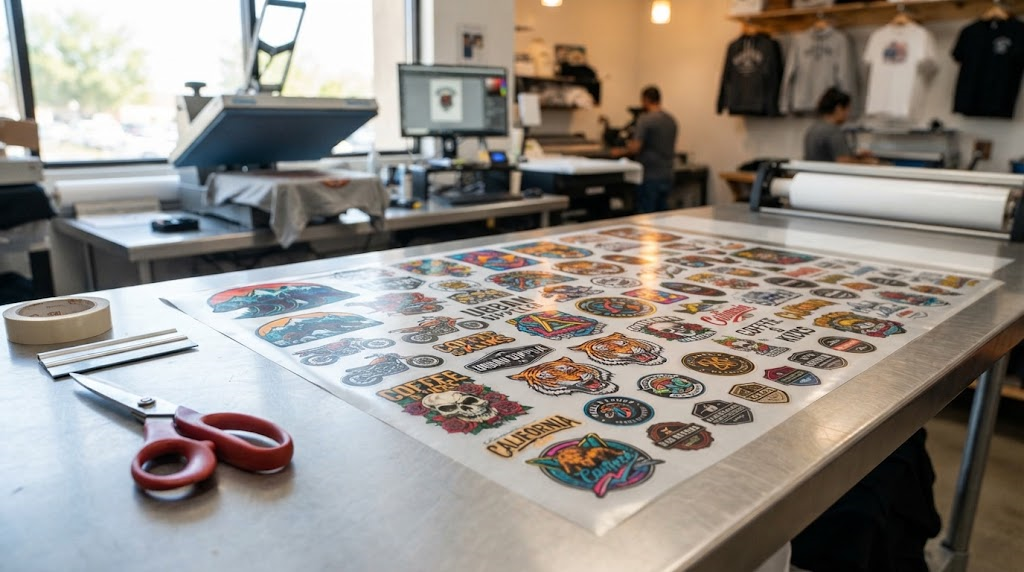
Instead of leaving unused areas of film around individual designs, you can fill the available space with logos, names, numbers, labels, and full-size graphics. Once the sheet is printed, the transfers can be cut apart and heat pressed onto individual garments.
Fast DTF Transfer currently offers an online gang sheet builder that allows customers to upload artwork, arrange designs, and prepare one combined sheet for production. The company’s current artwork requirements call for files at 300 DPI or higher, sized at their intended print dimensions, with transparent PNG, TIFF, or PDF formats accepted.
For print shops, clothing brands, Etsy sellers, team-uniform businesses, event companies, and home-based apparel businesses, learning how to use gang sheets efficiently can make the production process much easier.
What Is a DTF Gang Sheet?
A DTF gang sheet is one large Direct-to-Film transfer layout containing multiple designs.
Rather than printing one image on one separate piece of film, several graphics are grouped onto the same printable area.
A gang sheet can contain:
- Left-chest logos
- Full-front graphics
- Full-back prints
- Sleeve designs
- Neck labels
- Customer names
- Sports numbers
- Brand logos
- Small promotional graphics
- Multiple copies of the same artwork
Fast DTF Transfer describes gang sheets as a way to place different designs and sizes on one transfer sheet, helping custom apparel businesses reduce unused space and organize production more efficiently.
Why the Term “Gang Sheet” Is Used
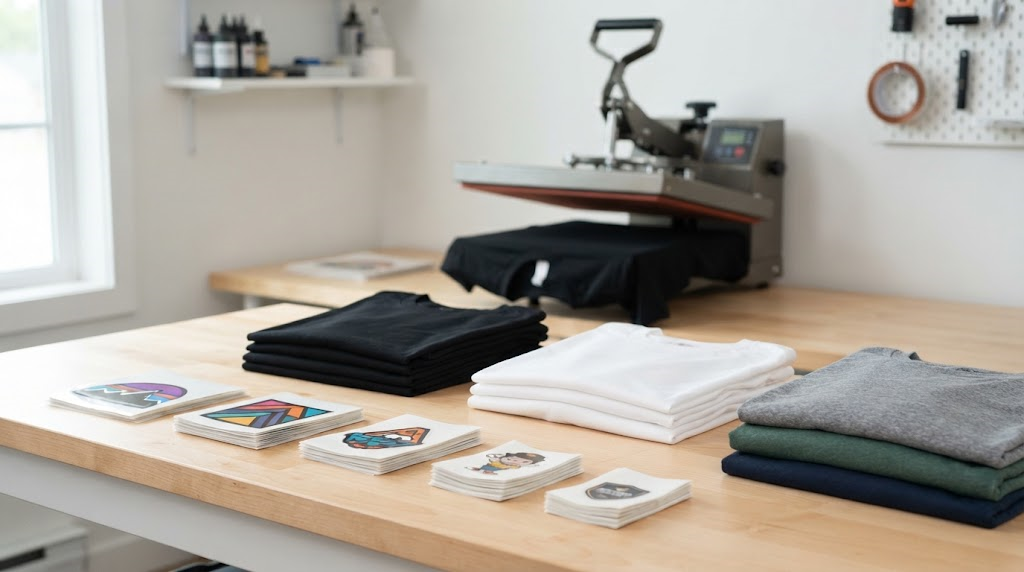
The concept is not unique to DTF printing.
Printing industries have long grouped several jobs onto one sheet to make better use of the printable area. DTF simply applies that same idea to transfer film.
The objective is straightforward: fit useful artwork into space that would otherwise be empty.
What Is a DTF Gang Sheet Builder?
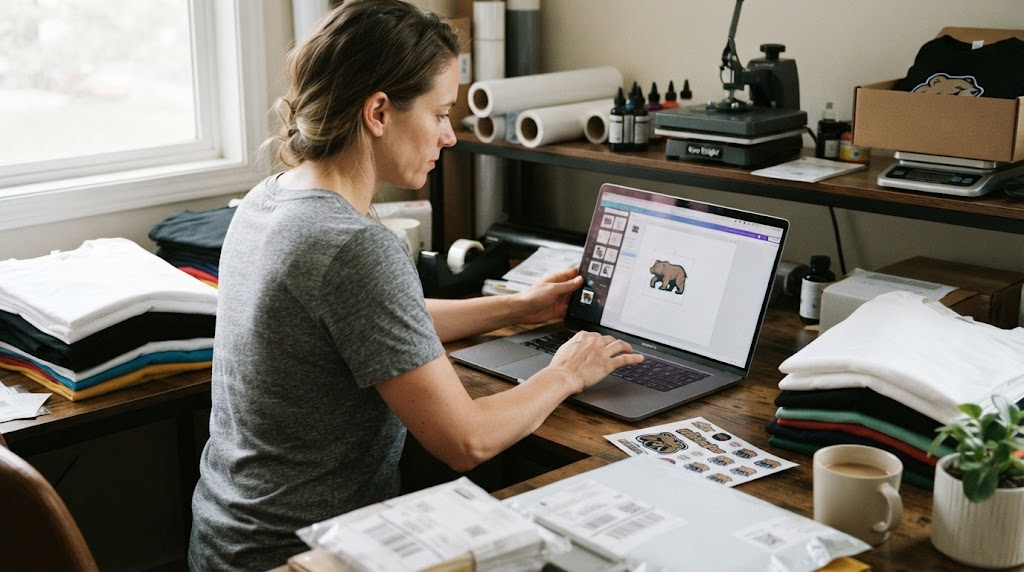
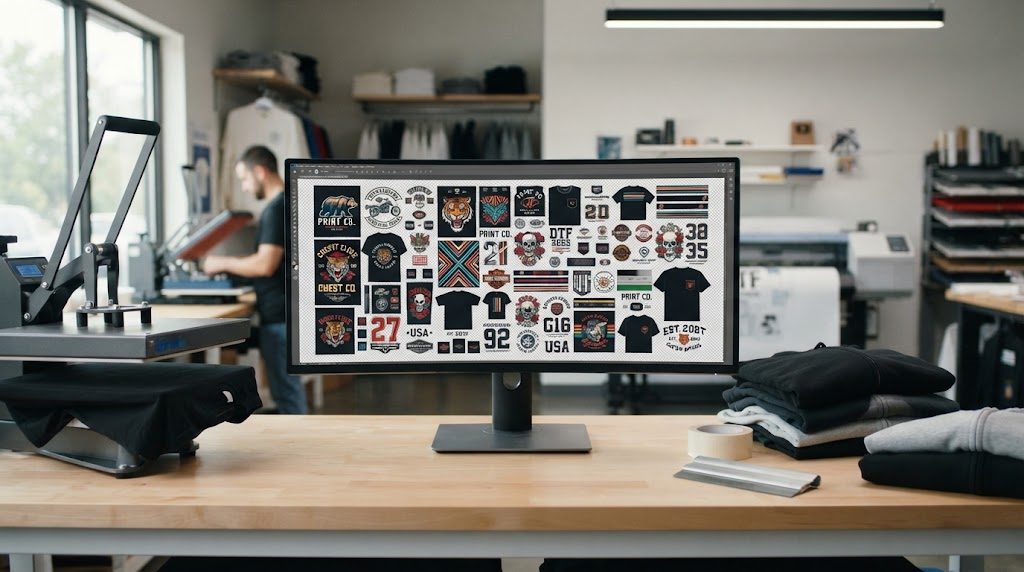
A DTF gang sheet builder is an online design tool that creates this layout visually.
Instead of preparing a large sheet manually in Photoshop, Illustrator, or another graphics program, you can upload each design directly into the builder and arrange it within the available print area.
Typical builder functions may include:
- Uploading artwork
- Moving graphics
- Resizing designs
- Rotating images
- Duplicating artwork
- Aligning designs
- Filling unused spaces
- Previewing the finished layout
Fast DTF Transfer’s current builder is intended to let customers create their own layout before adding the completed sheet to an order.
This makes gang-sheet creation more accessible to people who do not have advanced graphic design software.
Why Gang Sheets Are Useful for Small Apparel Businesses
Material efficiency is one of the biggest advantages.
Imagine you need ten small chest logos.
If every logo is ordered individually with large margins around it, a significant amount of film may go unused.
A gang sheet lets you place those same logos close together while using the remaining space for other artwork.
Print Different Designs Together
You are not limited to one graphic.
One sheet might include:
- Five small business logos
- Two full-front designs
- Several sleeve prints
- Customer names
- Garment neck labels
As long as everything fits within the selected print area, different designs can share the same sheet.
This is especially useful when fulfilling several small customer orders at once.
Print Multiple Sizes of the Same Design
Suppose one shirt design is needed for adults and children.
You could place:
- Large version
- Medium version
- Youth version
- Small left-chest version
all on one layout.
This makes gang sheets useful for family events, sports teams, reunions, school groups, and clothing brands selling multiple garment sizes.
How a DTF Gang Sheet Builder Works
The exact interface varies, but the general process is simple.
Step 1: Choose the Sheet Size
Start by selecting the size of the gang sheet you want to print.
Fast DTF Transfer currently lists numerous size options in its builder, with one example starting at 22 inches wide by 6 inches long.
Longer sheets provide more space but also cost more, so choose based on the amount of artwork you actually need.
Step 2: Upload Your Artwork
Prepare every design before uploading.
The current Fast DTF artwork guidelines recommend:
- 300 DPI or higher
- Final print dimensions
- Transparent background
- PNG, TIFF, or PDF format
The company also warns that white ink and adhesive powder apply to every non-transparent pixel. Stray marks, glows, or unwanted backgrounds should therefore be removed before submission.
Step 3: Resize Carefully
The dimensions shown in the builder should match the size you want on the garment.
Do not design a logo at 4 inches wide and assume it will somehow print at 10 inches.
Before uploading, decide where each transfer will be used.
A left-chest logo needs a different scale from a full-back graphic.
Step 4: Arrange the Designs
Move your designs around the sheet to reduce empty space.
Large graphics usually work best as anchor pieces. Smaller logos and labels can then fill gaps around them.
Rotate designs when it saves meaningful space, provided orientation does not affect your production process.
Step 5: Duplicate Repeated Graphics
If you need the same logo 20 times, you do not need 20 separate image files.
Upload one clean file and duplicate it within the layout.
This is useful for uniforms, branded workwear, neck labels, merchandise, and repeat customer orders.
How Much Space Should You Leave Between Designs?
Trying to eliminate every millimeter of empty space can make the gang sheet difficult to cut.
Leave enough room between graphics so scissors or a cutter can separate them without accidentally damaging neighboring transfers.
The ideal spacing depends on:
- Shape of the design
- Cutting method
- Transfer size
- Production speed
- Whether you cut by hand
A small amount of intentional spacing usually makes production easier.
The goal is efficient use of space, not creating a sheet so crowded that every transfer becomes frustrating to separate.
Preparing Artwork for Better DTF Results
A gang sheet builder cannot fix fundamentally poor artwork.
The quality of the printed transfer begins with the original file.
Use High-Resolution Artwork
Fast DTF Transfer currently requests 300 DPI or higher.
Low-resolution images may appear acceptable on a phone screen but become visibly soft or pixelated when enlarged for a shirt.
Whenever possible, create graphics at the exact size required for printing.
Use Transparent Backgrounds
A transparent PNG is one of the most practical formats for DTF artwork.
If your design contains an unwanted white box behind the artwork, that box may become part of the printed transfer.
Inspect transparency carefully before uploading.
Zoom in around the edges to check for:
- White halos
- Forgotten background pixels
- Faint shadows
- Unwanted marks
- Accidental transparent holes
Fast DTF specifically cautions that non-transparent pixels receive white ink and adhesive, making file cleanup particularly important.
Color Considerations for DTF Printing
Your computer monitor displays color using light, while printing creates color physically.
That means the finished transfer may not perfectly match what you see on every screen.
Fast DTF recommends designing in CMYK when possible to help improve color matching.
If brand colors are extremely important, test printing may be worthwhile before committing to a large production run.
This is particularly relevant for:
- Corporate uniforms
- Sports teams
- Branded merchandise
- School colors
- Franchise apparel
What Can You Print With DTF Transfers?
DTF transfers are commonly used for custom garments and textile products.
Typical applications include:
- T-shirts
- Hoodies
- Sweatshirts
- Uniforms
- Tote bags
- Workwear
- Team apparel
- Promotional clothing
After the gang sheet is printed, each transfer is separated and applied using heat and pressure.
Fast DTF describes the gang-sheet method as suitable for custom apparel businesses, clothing brands, print shops, schools, teams, events, and independent creators.
Always confirm that the garment material and transfer instructions are compatible before pressing.
Using Gang Sheets for Clothing Brands
Gang sheets can be especially helpful for small fashion or streetwear brands.
A single sheet could contain:
- Main front graphic
- Back graphic
- Sleeve logo
- Neck label
- Size labels
- Small brand mark
Instead of placing several separate transfer orders, the entire garment branding system can be organized together.
Keep Frequently Used Logos Ready
If you repeatedly print the same neck label or chest logo, use leftover space on other gang sheets to add extra copies.
Those transfers can be stored for future production.
This turns unused film space into inventory that may save time on later orders.
Gang Sheets for Teams and Events
Personalized apparel often requires repeated graphics plus unique names or numbers.
A youth sports order, for example, may use the same team logo on every shirt but different player numbers.
A gang sheet can combine all those elements efficiently.
The same approach works for:
- Family reunions
- Bachelor and bachelorette events
- Festivals
- School clubs
- Corporate events
- Charity runs
- Birthday shirts
Because each design can be a different size, the layout can be adapted to the exact order.
Common Gang Sheet Mistakes
A few errors can create unnecessary production problems.
Uploading Low-Resolution Files
Poor artwork does not become sharp simply because it is printed professionally.
Start with a strong source file.
Leaving a Background Behind
Always check transparency.
A background that looked invisible during design may become very obvious once white ink is added beneath it.
Making Designs Too Small
Text and fine details can become difficult to reproduce when reduced excessively.
Print size matters.
Overcrowding the Sheet
Saving film is useful, but transfers still need to be cut apart.
Leave workable spacing.
Forgetting Final Dimensions
Always verify the physical size of important graphics before ordering.
A design that looks large on the gang-sheet preview may still be too small for a full-front shirt print.
How a Gang Sheet Builder Can Improve Workflow
The biggest advantage may be organization rather than printing cost alone.
A visual builder helps turn several scattered artwork files into one production-ready layout.
Fast DTF Transfer explains that users can resize, rotate, duplicate, align, and reposition designs before submitting the completed gang sheet.
For small businesses handling multiple orders each day, this can reduce repetitive setup work.
Instead of preparing every transfer individually, you can batch several jobs together.
After Your Gang Sheet Arrives
Once the printed sheet arrives, inspect it before cutting.
Verify:
- Artwork
- Colors
- Sizes
- Quantity
- Print clarity
Then separate the individual transfers carefully.
Fast DTF Transfer currently recommends waiting 24 hours before washing garments after application, washing inside out in cold water, tumble drying on low, and avoiding direct ironing over the printed design.
Always follow the pressing and care instructions supplied with your specific transfer order.
Frequently Asked Questions About DTF Gang Sheet Builders
What is a DTF gang sheet builder?
A DTF gang sheet builder is an online tool that lets you place multiple designs onto one large transfer layout before printing. Artwork can typically be uploaded, resized, rotated, duplicated, and repositioned.
Can I place different designs on one gang sheet?
Yes. A gang sheet can contain different logos, names, numbers, graphics, and print sizes as long as everything fits within the selected sheet dimensions.
Do all designs need to be the same size?
No. You can combine small chest logos, larger front graphics, sleeve transfers, labels, and other sizes on the same sheet.
What resolution should DTF artwork be?
Fast DTF Transfer currently recommends artwork at 300 DPI or higher and sized to its final print dimensions.
Should DTF files have a transparent background?
Yes, when the artwork is meant to print without a background. Unwanted non-transparent pixels may receive white ink and adhesive during production.
What file formats can I use?
Fast DTF Transfer currently lists transparent PNG, TIFF, and PDF among its accepted artwork formats for the builder.
Where can I build a DTF gang sheet online?
Fast DTF Transfer offers a DTF gang sheet builder that allows users to upload and arrange multiple graphics on one transfer sheet. The current builder includes numerous sheet-size options and provides artwork preparation guidelines directly on the ordering page.
Conclusion
A DTF gang sheet builder is one of the simplest tools for making custom apparel production more organized.
Instead of ordering every logo, name, sleeve print, or full-front design separately, you can combine several graphics into one print-ready layout.
That flexibility is valuable for small clothing brands, print shops, Etsy sellers, schools, teams, event businesses, and anyone regularly producing custom garments.
The process works best when artwork is prepared correctly from the beginning.
Use high-resolution files. Remove unwanted backgrounds and edge glows. Set designs to their intended print dimensions. Leave enough room for cutting. Use smaller graphics to fill otherwise unused areas, and duplicate repeat logos directly inside the builder.
A well-planned gang sheet is not simply about fitting as many images as possible onto one piece of film. It is about balancing material efficiency with an organized production workflow.
Tools such as Fast DTF Transfer’s online builder make that process accessible even if you do not use professional layout software every day. You can upload artwork, create different transfer sizes, arrange several designs on one sheet, and send the completed layout into production from the same workflow.
For a growing apparel business, those small improvements can add up. Less unused space, fewer separate files, easier batching, and better organization all make it simpler to move from customer artwork to ready-to-press transfers.
Whether you are producing five shirts for a local business or preparing a much larger batch of branded apparel, learning how to build an efficient gang sheet is a practical skill that can make DTF production faster, cleaner, and easier to manage.