Photo editing once meant learning complicated software, adjusting layers manually, selecting objects pixel by pixel, and spending hours making small changes. Artificial intelligence is changing that process.
Today, an AI Photo editor can understand written instructions, recognize objects inside an image, replace backgrounds, change styling, improve lighting, generate variations, and create entirely new visual directions from an existing photograph.
For business owners, marketers, ecommerce sellers, designers, photographers, and everyday users in the United States, these tools offer something particularly valuable: speed.
Instead of learning every technical editing control, users can increasingly describe the result they want in ordinary language. An instruction such as “replace the background with a clean white studio,” “make the lighting warmer,” or “place this product on a luxury bathroom counter” can guide the AI toward a new version of the image.
Modern platforms go beyond simple automatic filters. For example, AI Photo editor provides prompt-based image editing and generation in one workspace. Its current platform supports reference-image editing, text-to-image generation, multiple AI image models, character-consistency workflows, multi-image fusion, and output upscaling up to 4K.
Understanding how these tools work can help you decide where AI belongs in your creative workflow.
What Is an AI Photo Editor?
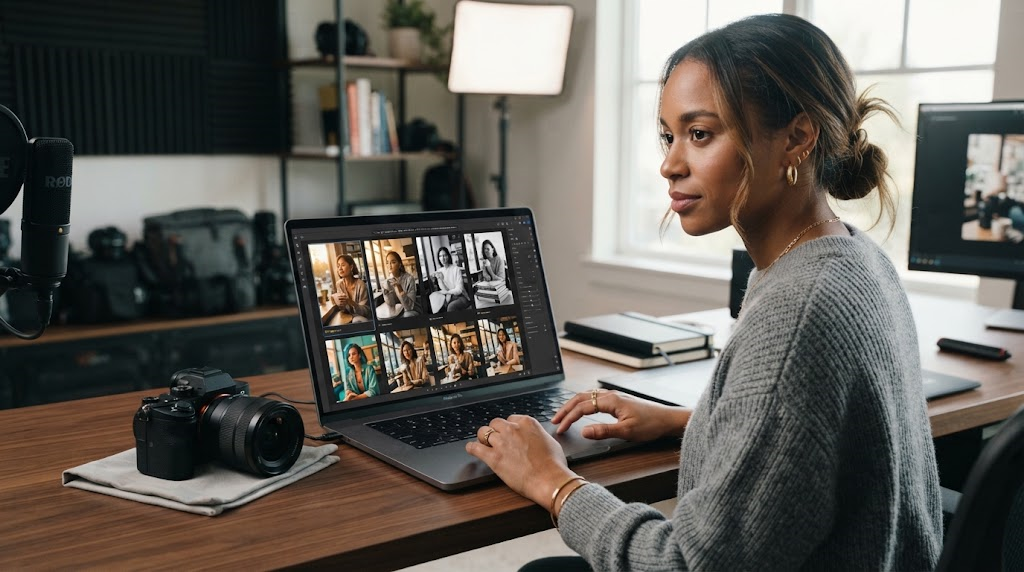
An AI photo editor is software that uses artificial intelligence models to understand visual content and perform editing tasks.
Traditional photo-editing software typically requires the user to make technical decisions manually. You might need to select the background, create a mask, adjust exposure, modify colors, erase an unwanted object, and refine the edges yourself.
AI image editing changes the interaction.
Instead of telling the software exactly how to make every adjustment, you can often explain what you want the final image to look like.
For example:
- Remove the person in the background.
- Change the shirt from blue to black.
- Put the product on a marble countertop.
- Add soft afternoon sunlight.
- Turn the photo into a premium advertisement.
- Keep the model unchanged but replace the location.
- Create three different social media versions.
The AI analyzes the image, interprets the instruction, and generates a revised result.
How Prompt-Based Editing Works
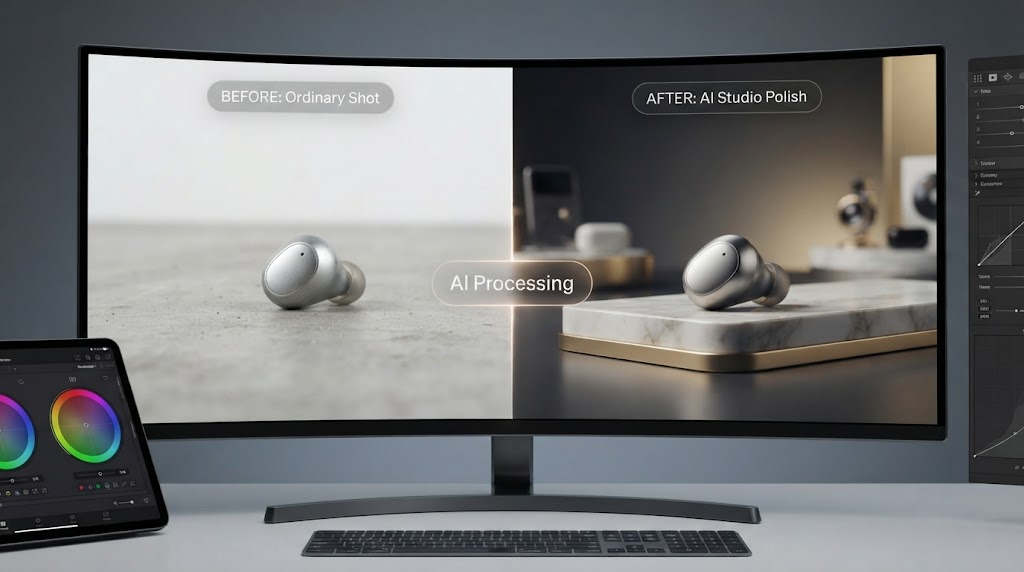
Prompt-based editing uses natural-language instructions.
You upload a photo and type the change you want.
The quality of the result often depends on how clearly the request is written. A short instruction may work for a simple edit, while complex projects benefit from more specific prompts.
For instance, instead of writing:
“Make it better.”
You might write:
“Keep the product shape and packaging unchanged. Replace the background with a bright modern kitchen, add soft natural window light, and create a premium ecommerce advertising look.”
That gives the system much more useful direction.
Why AI Photo Editing Has Become So Popular
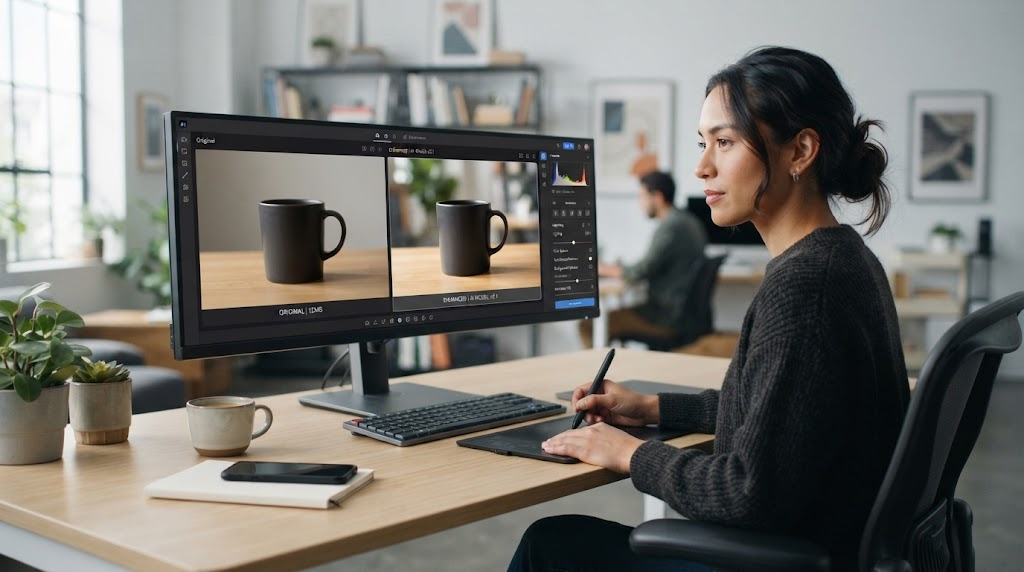
AI image tools solve several problems at once.
Professional visual content is increasingly important for websites, marketplaces, social media, advertisements, email campaigns, presentations, and online stores. At the same time, businesses are expected to produce more content at a faster pace.
Manual editing can become a bottleneck.
Faster Editing
One of the clearest advantages of an AI photo editing tool is speed.
Tasks that previously involved multiple editing steps can sometimes be completed through one prompt.
A marketer testing several advertising concepts may no longer need to rebuild each image manually. Instead, the same reference image can be used to create multiple versions.
Lower Technical Barrier
Professional editing applications remain powerful, but they can take time to learn.
AI tools make basic and intermediate editing more accessible to people without formal design training.
This does not mean professional designers are no longer needed. Instead, AI can handle repetitive or exploratory work while designers focus on art direction, branding, composition, and final-quality decisions.
More Creative Experimentation
When creating each variation takes less time, users can test more ideas.
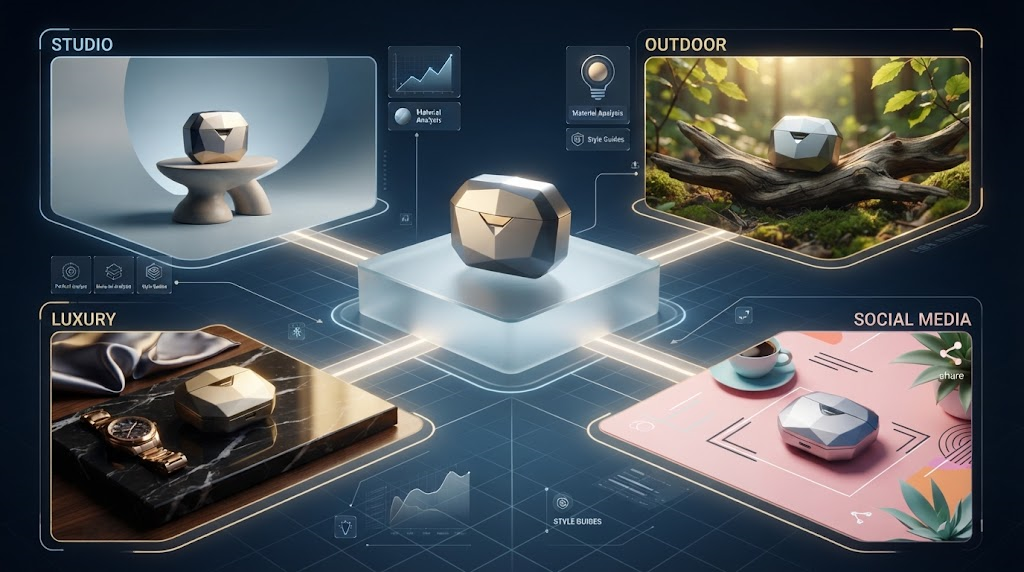
A product seller might compare:
- White studio background
- Luxury interior
- Outdoor lifestyle scene
- Seasonal campaign
- Minimal social advertisement
Instead of committing to one concept before production, teams can explore several directions first.
What Can You Do With an AI Photo Editor?
The capabilities vary by platform, but modern AI editing systems can handle a growing range of tasks.
Remove or Replace Backgrounds
Background editing is one of the most common uses.
An AI background remover can isolate a subject and replace the original surroundings with something cleaner or more appropriate.
This is especially useful for ecommerce photography.
A seller might take a product photo on a basic table and transform it into:
- A white marketplace background
- A professional studio setup
- A home lifestyle scene
- A luxury environment
- A seasonal advertising background
ImgEditor specifically positions reference-based editing for background replacement, product cleanup, packshot revisions, and controlled marketing variations.
Product Photography
For ecommerce businesses, consistent product imagery can directly affect how professional a storefront feels.
An AI Photo editor can help improve lighting, clean backgrounds, generate lifestyle settings, create promotional variations, or adapt a product image for different campaigns.
However, businesses should still check marketplace rules before using heavily altered or AI-generated product imagery, especially for main listing images.
Retouch Photos With Prompts
AI retouching can help with details such as:
- Lighting
- Color balance
- Clothing
- Props
- Background distractions
- Scene styling
- Minor visual imperfections
The advantage is that users can describe the result instead of locating the correct manual editing tool.
The ImgEditor reference workflow, for example, supports prompt-based changes to scene, wardrobe, props, styling, and other details while aiming to preserve the overall source composition.
Generate Marketing Variations
Marketing teams rarely need only one image.
The same campaign might require visual assets for Instagram, Facebook, website banners, email, display advertising, and marketplace listings.
AI image editing makes it easier to create related variations from one original asset.
A brand could keep the same product while changing:
- Background
- Season
- Lighting
- Mood
- Props
- Visual theme
- Promotional context
This can significantly accelerate creative testing.
Combine Multiple Reference Images
More advanced AI systems can work with several reference images.
This might be useful when a user wants to combine a product from one photograph, a visual style from another, and a character or environment from additional references.
ImgEditor currently advertises multi-image fusion and says its platform can blend multiple references while supporting character consistency across edits.
This type of workflow can be useful for campaign development, concept visualization, and content production.
Create Images From Text
Modern AI image platforms often combine editing and generation.
Editing begins with an existing photograph.
Text-to-image generation starts with a written description.
For example:
“Modern skincare bottle on a white marble pedestal, soft morning light, premium beauty advertisement, minimal beige background.”
The system generates a new image based on the prompt.
Having both capabilities inside the same workspace allows users to switch between creating from scratch and refining an existing asset.
ImgEditor currently supports both prompt-only generation and reference-based image editing from its AI image workspace.
Who Can Benefit From an AI Photo Editor?
AI editing is useful across many industries.
Ecommerce Sellers
Online sellers constantly need product images, lifestyle visuals, promotional banners, and advertising variations.
AI can help them produce more visual assets from a limited set of original product photographs.
Social Media Managers
Social platforms reward frequent visual content.
An online photo editor powered by AI can help social media professionals create multiple campaign concepts without starting every image from zero.
Small Businesses
Small businesses may not have a full-time graphic designer.
AI tools can provide a faster way to create website images, promotional graphics, product visuals, and social media content.
Photographers
Photographers can use AI as an additional post-production tool.
AI can assist with cleanup, background changes, conceptual variations, and image expansion while the photographer maintains creative control over the final result.
Designers and Creative Agencies
Professional designers can also benefit.
Rather than replacing design expertise, generative photo editing can accelerate concept development and repetitive production work.
An agency might produce several early visual directions with AI, select the strongest approach, and then refine it professionally.
How to Get Better Results From AI Photo Editing
AI is powerful, but vague prompts can create unpredictable results.
A few habits can improve consistency.
Tell the AI What Must Stay the Same
When editing an existing photo, explain what should not change.
For example:
“Keep the product shape, logo, packaging colors, and camera angle exactly the same. Only replace the background.”
This can help preserve important details.
ImgEditor’s own editing guidance similarly recommends being explicit about elements that must remain unchanged before describing the requested alteration.
Make One Major Change at a Time
A very complicated prompt may ask the AI to modify too many things simultaneously.
If accuracy matters, begin with the most important change and refine the image in stages.
For example:
First edit: Replace background.
Second edit: Adjust lighting.
Third edit: Add props.
Fourth edit: Refine final details.
This approach can make it easier to identify where an unwanted change occurred.
Start With a Good Source Image
Artificial intelligence cannot always recover details that were never captured properly.
For product or portrait editing, begin with a clear, well-lit, reasonably high-resolution photo whenever possible.
The ImgEditor FAQ similarly notes that low-quality original images can affect the final edited result and recommends starting with higher-resolution source material.
AI Photo Editing for Professional Content
Businesses should think of AI as part of a workflow rather than a magic button.
A professional process may look like this:
Create or capture the original photograph.
Upload the reference image.
Write a precise editing prompt.
Generate several versions.
Compare details carefully.
Correct inconsistencies.
Upscale or export the final asset.
Review it against brand and platform standards.
This review step matters because generative models can occasionally introduce unwanted details.
Logos, hands, small objects, product dimensions, packaging text, clothing details, and reflections should always be inspected before commercial publication.
What About Image Resolution?
Resolution is especially important for ecommerce, print, advertising, and professional design.
Some AI image tools offer upscaling after generation.
ImgEditor currently states that its platform supports high-resolution 2K and 4K output, with 4K listed as its maximum upscale output.
Higher resolution can improve presentation, but upscaling does not automatically guarantee accuracy. Always inspect important product and brand details after processing.
Can AI-Edited Images Be Used Commercially?
Commercial usage depends on the platform’s terms and on the rights associated with the user’s input material.
ImgEditor states that commercial use of generated content is generally permitted, subject to its Terms of Service, Acceptable Use Policy, and the user’s rights to the inputs, prompts, and resulting assets.
Businesses should avoid uploading or editing images they do not have permission to use.
They should also pay particular attention when working with recognizable people, copyrighted material, trademarks, customer data, or confidential assets.
Choosing the Right AI Photo Editor
Not every tool is designed for the same workflow.
Before choosing one, consider:
- Ease of use
- Prompt accuracy
- Reference-image preservation
- Output resolution
- Background editing
- Text rendering
- Model selection
- Generation speed
- Commercial-use terms
- Pricing
- Privacy policies
- Image history and asset management
A tool that works well for creative experimentation may not necessarily be the best tool for accurate product editing.
ImgEditor takes a multi-model approach, allowing users to choose between different AI image models according to factors such as speed, polish, photorealism, and editing control. Its workspace also combines image editing, text-to-image generation, video generation, history, and stored assets.
Frequently Asked Questions About AI Photo Editors
What is an AI Photo editor?
An AI Photo editor uses artificial intelligence to understand images and perform editing tasks such as changing backgrounds, modifying objects, adjusting scenes, retouching photographs, or creating visual variations from text instructions.
Can AI edit an existing photo?
Yes. Many AI editors allow you to upload an existing photograph and describe the changes you want. This is commonly called reference-image or image-to-image editing.
Can I remove a background with AI?
Yes. Background removal and replacement are common AI photo-editing tasks. You can isolate a subject and place it against a white, transparent, studio, lifestyle, or generated background.
Is an AI photo editor useful for ecommerce?
Yes. Ecommerce sellers can use AI for product cleanup, background changes, lifestyle scenes, advertising variations, and promotional imagery. Sellers should still follow the image policies of marketplaces such as Amazon, Walmart, Etsy, or eBay.
Do I need graphic design experience?
Not necessarily. One major advantage of prompt-based editing is that users can describe changes in natural language. Design experience can still improve composition, branding, and final creative quality.
Can AI photo editors create new images?
Many can. ImgEditor, for example, currently provides both reference-based editing and text-to-image generation in the same workspace.
Can AI keep the same person or product across different images?
Advanced tools increasingly focus on reference consistency. Results vary by model and source image, but reference images and detailed prompts can help preserve important subject characteristics.
Can I use an AI Photo editor for free?
Some platforms provide limited free usage. ImgEditor currently advertises free daily credits and says no credit card is required to begin using those credits. Paid plans and additional credit options are also available for users who need more generations.
Conclusion
Artificial intelligence is changing photo editing from a highly manual process into something far more conversational.
With an AI Photo editor, users can increasingly explain what they want rather than manually performing every technical step. Background replacement, retouching, product-photo enhancement, scene changes, marketing variations, text-to-image generation, and creative experimentation can all become faster.
That is particularly useful for ecommerce sellers, marketers, social media teams, photographers, designers, agencies, and small businesses that need a steady flow of professional-looking visual content.
The best results still require human judgment.
Clear prompts matter. Strong source images matter. Brand consistency matters. And every commercial asset should be reviewed carefully before publication.
AI does not eliminate creativity or professional editing skills. Instead, it gives creators another way to move from idea to visual result more efficiently.
Tools such as AI Photo editor demonstrate how modern platforms are moving toward unified creative workspaces where users can upload references, describe edits in natural language, generate new images, compare AI models, create variations, and prepare high-resolution assets without constantly moving between separate applications.
As these tools continue to improve, the biggest advantage may not be a single editing feature. It is the ability to test, refine, and produce visual ideas at a pace that traditional workflows often cannot match.