Audio files are everywhere. We download music, record podcasts, save voice notes, edit videos, attend online meetings, and create content for websites and social media every day.
The problem is that not every device, app, or platform supports every audio format.
You might receive an M4A recording that needs to be converted to MP3. A podcast editor may need a WAV version of a file. A musician may want to convert FLAC audio while preserving as much quality as possible. Someone uploading audio to a website may simply need a smaller file.
That is where an audio converter becomes useful.
An online audio conversion tool can change an audio file from one format to another without requiring complicated professional software. Modern services such as Convertio allow users to upload audio, choose an output format, adjust optional settings, and download the converted file directly through a web browser. Convertio currently supports more than 62 audio formats, including MP3, WAV, FLAC, AAC, OGG, M4A, AIFF, WMA, and OPUS.
Whether you are a content creator, student, business professional, musician, podcaster, or everyday user, understanding audio conversion can make working with digital media much easier.
What Is an Audio Converter?
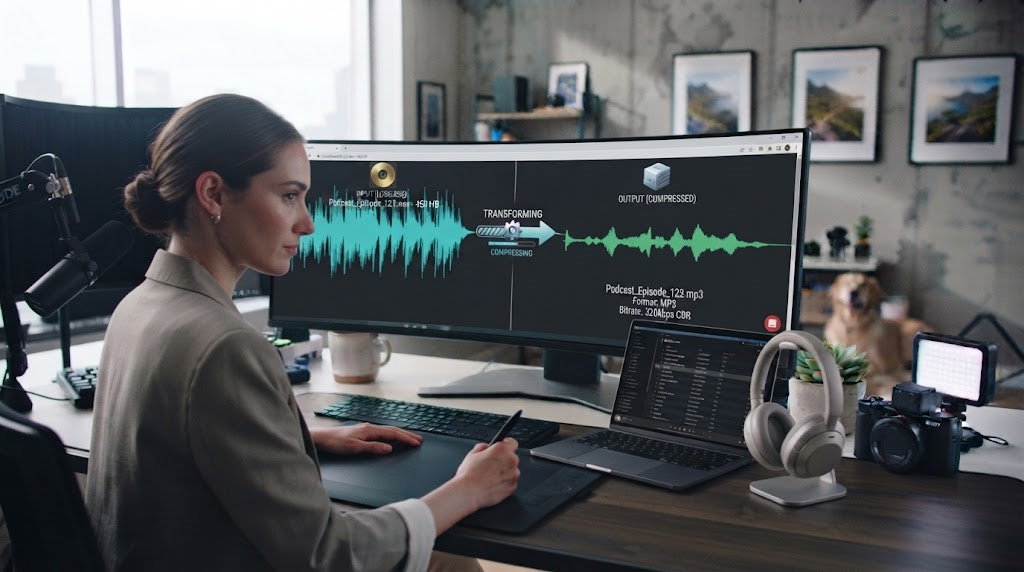
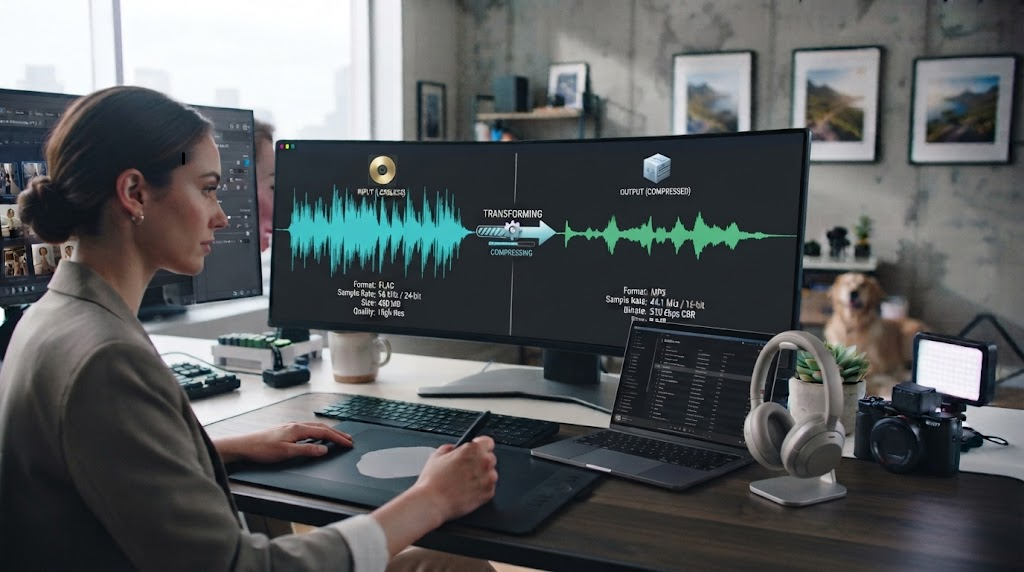
An audio converter is a tool that changes an audio file from one format into another.
For example, you might convert:
MP3 to WAV
WAV to MP3
M4A to MP3
FLAC to WAV
AAC to MP3
OGG to MP3
FLAC to M4A
The basic purpose is compatibility.
Different file formats use different methods for storing or compressing sound. Some are designed to provide smaller files, while others prioritize maximum audio quality.
An online audio file converter handles the technical encoding process for you.
Instead of installing specialized software, you can upload the original file, select the format you need, and let the online service process it.
Convertio performs conversions in the cloud, meaning the conversion workload takes place on its servers rather than using your computer’s processing resources.
Why Would You Need to Convert an Audio File?
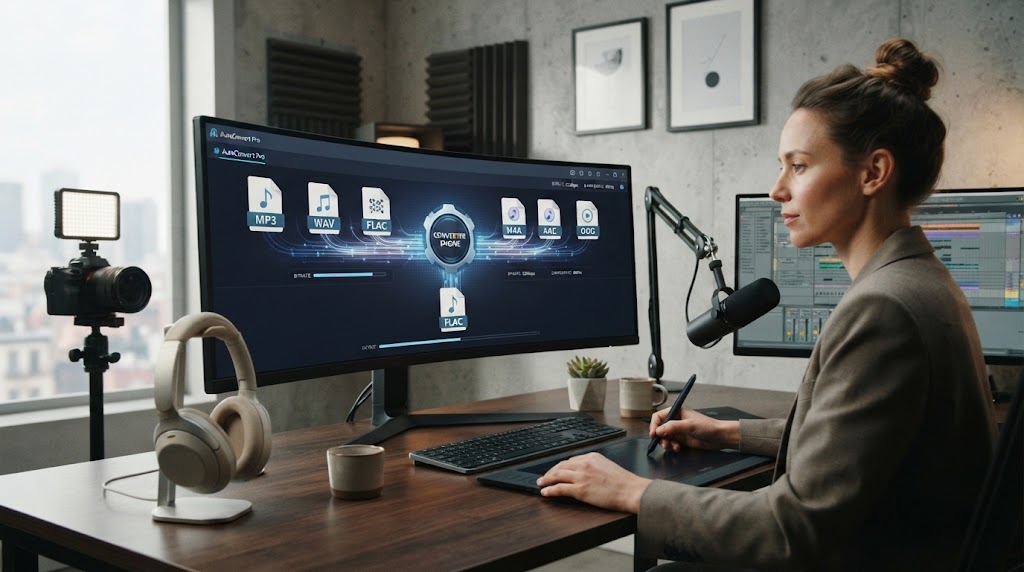
There are many reasons.
One of the most common is device or software compatibility.
You may have an audio file that plays perfectly on one device but is not accepted by another application. Converting it into a widely supported format can solve the problem.
Make Audio Compatible With More Devices
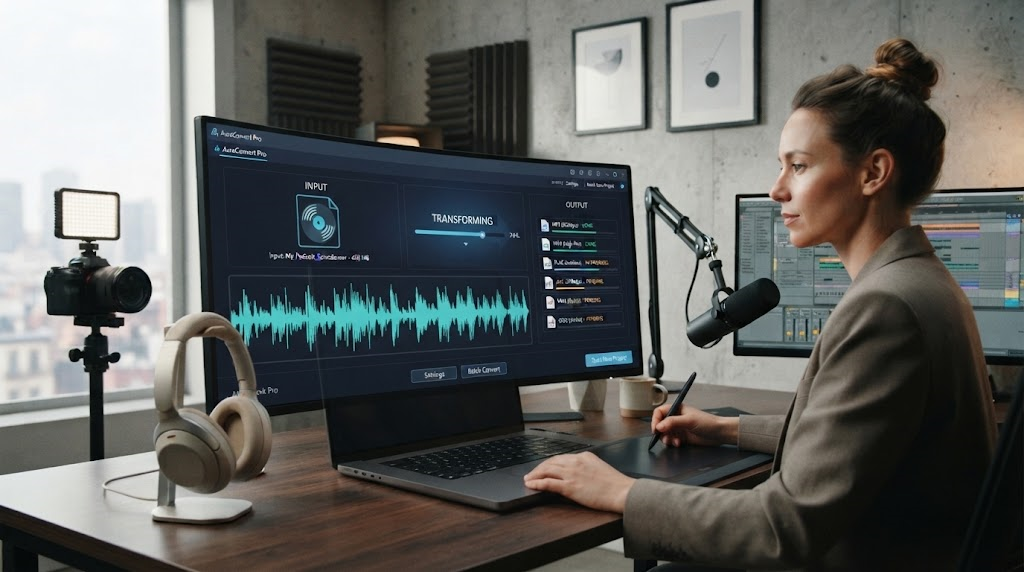
MP3 is one of the most widely recognized audio formats, making it convenient when you need a file that can play across many devices and applications.
For example, converting an M4A recording to MP3 can make sharing easier when the recipient’s software does not handle M4A properly.
Reduce Audio File Size
High-quality audio files can become large.
This may be inconvenient when uploading files, attaching them to emails, storing many recordings, or publishing audio online.
Using an audio converter to create a compressed format can reduce file size.
The exact result depends on the source file, target format, bitrate, and other settings.
Prepare Files for Audio Editing
Audio and video production programs may work better with particular formats.
A video editor may prefer WAV for an editing workflow, while the final published version may use a compressed format.
Converting files before editing can help create a consistent production workflow.
Prepare Podcasts and Voice Recordings
Podcasters regularly work with different audio formats.
A recording application might produce WAV or M4A files, while a publishing platform or distribution workflow may require another format.
An online audio converter makes it easier to prepare recordings without installing another desktop program.
Popular Audio Formats You Should Know
Understanding a few common formats can make it easier to choose the right conversion.
MP3
MP3 remains one of the most recognizable digital audio formats.
Its main advantage is efficient compression and broad compatibility.
Because MP3 files are usually smaller than uncompressed formats, they are useful for music, spoken audio, podcasts, website downloads, and general sharing.
However, MP3 uses lossy compression. That means some audio information is removed during encoding to reduce the file size.
WAV
WAV is widely used for high-quality and professional audio workflows.
Many WAV files store uncompressed PCM audio, which can preserve high audio quality but results in significantly larger files.
Convertio’s WAV options include uncompressed PCM codec choices and allow users to configure channel layouts and sample rates.
WAV can be useful for recording, professional editing, sound design, and archiving when storage size is less important.
FLAC
FLAC stands for Free Lossless Audio Codec.
Unlike MP3, FLAC uses lossless compression. This means audio data can be compressed without intentionally discarding the original sound information represented in the file.
FLAC is popular with music collectors and users who want high-quality audio while reducing storage compared with fully uncompressed formats.
M4A
M4A is commonly associated with audio stored in an MPEG-4 container and is widely used across Apple’s ecosystem.
Users often encounter M4A files from phones, music libraries, and voice-recording applications.
Converting M4A to MP3 can be useful when compatibility is more important than keeping the original format.
Convertio provides dedicated M4A-to-MP3 conversion with options including constant or variable bitrate, bitrate adjustment, and audio-channel settings.
AAC
AAC, or Advanced Audio Coding, is another lossy compression format commonly used in modern digital media.
It is used across numerous devices and online platforms and can deliver good perceived sound quality at relatively efficient bitrates.
OGG and OPUS
OGG and OPUS are also commonly encountered in web, communication, and digital-media applications.
Support depends on the software or platform being used, so converting these files may sometimes be helpful when broader compatibility is required.
How to Use an Online Audio Converter
Using a browser-based converter is generally straightforward.
Convertio’s current audio-conversion workflow follows four main steps.
Step 1: Choose Your Audio File
Start by selecting the file you want to convert.
Convertio allows users to choose a file from their computer and also lists Google Drive, Dropbox, or a file URL as supported input options.
Before uploading, make sure you know where the original file is saved.
It is also smart to keep an untouched copy of important audio.
Step 2: Select the Output Format
Next, choose the format you want.
For example, you could select MP3 if your goal is broad compatibility and manageable file size.
You might choose WAV for an editing workflow or FLAC when lossless audio storage matters.
Convertio currently lists more than 62 available audio formats.
Step 3: Adjust Advanced Settings if Needed
Many users can leave the default settings unchanged.
However, advanced settings give you more control over the final result.
Depending on the selected format, Convertio provides options for properties such as bitrate, sample rate, audio channels, volume, codec, and variable or constant bitrate.
Step 4: Convert and Download
Start the conversion and allow the service to process the audio.
After processing is complete, download the converted version to your device.
Always listen to the resulting file if audio quality is important.
Understanding Audio Conversion Settings
You do not need to be an audio engineer to use an audio converter, but understanding several basic settings can help.
Bitrate
Bitrate describes how much data is used for audio over time.
In compressed formats such as MP3 or AAC, a higher bitrate will generally preserve more audio information but also create a larger file.
A lower bitrate can reduce file size but may also reduce perceived audio quality.
The ideal setting depends on your content.
Spoken-word recordings can often tolerate more compression than detailed music recordings.
Sample Rate
Sample rate is measured in hertz.
Common audio sample rates include 44.1 kHz and 48 kHz.
Convertio’s supported settings vary by conversion, with some audio workflows providing selectable sample rates ranging from low values up to 96 kHz.
For many everyday users, leaving the sample rate unchanged is the simplest option unless a specific platform or production workflow requires something different.
Audio Channels
Audio can contain one or multiple channels.
Mono contains one channel.
Stereo uses two.
Some professional or entertainment audio includes surround configurations such as 5.1 or 7.1.
Convertio provides channel controls for supported conversions, including mono, stereo, and several multichannel options depending on the chosen output format.
Constant vs. Variable Bitrate
MP3 conversion may also offer constant bitrate, known as CBR, or variable bitrate, known as VBR.
CBR uses a consistent bitrate throughout the file.
VBR can adjust the bitrate based on the complexity of different parts of the audio.
Convertio currently offers both approaches for supported MP3 conversion workflows.
How to Choose the Best Audio Format
There is no single format that is best for every situation.
The correct choice depends on your goal.
Choose MP3 for Easy Sharing
MP3 is practical when compatibility and smaller file sizes are priorities.
It can work well for general listening, voice recordings, music sharing, and online publishing.
Choose WAV for Editing
WAV is commonly used when you want high-quality audio for recording or production.
The tradeoff is larger file size.
Choose FLAC for Lossless Storage
FLAC is useful if you want lossless compression and care about preserving audio data while using less space than some uncompressed formats.
Choose M4A or AAC for Efficient Modern Audio
M4A and AAC can be useful when working with modern devices and applications that support them.
Always check the requirements of the device, software, website, or platform where the finished audio will be used.
Benefits of Using an Online Audio Converter
Online tools offer several practical advantages.
No Software Installation
Because a service such as Convertio works through a modern browser, users do not need to install dedicated conversion software.
Convertio states that its audio converter works through modern browsers on Windows, macOS, Linux, Android, and iOS.
Works Across Different Devices
Browser-based conversion can be convenient when switching between a desktop computer, laptop, tablet, or phone.
Multiple Formats in One Place
Instead of using a separate program for every file type, one tool can support many input and output formats.
Convertio’s broader file-conversion platform supports more than 300 file formats overall, while its dedicated audio converter currently lists 62+ audio formats.
Advanced Controls When You Need Them
Beginners can often use default settings, while more experienced users can customize technical settings.
That balance makes online converters suitable for both quick jobs and more controlled workflows.
Tips for Better Audio Conversion Results
A few simple practices can help protect audio quality.
Start With the Best Source Available
Conversion cannot restore audio information that has already been lost.
If you have a high-quality original file, use it rather than a heavily compressed copy.
Avoid Repeated Lossy Conversion
Repeatedly converting between lossy formats can gradually reduce quality.
For example, converting an already compressed MP3 into another lossy format and then converting it again may introduce additional degradation.
Keep the original file whenever possible.
Do Not Increase Quality Settings Expecting Missing Detail to Return
Converting a low-quality MP3 into FLAC does not magically restore the original information removed during MP3 compression.
The resulting FLAC may be larger, but it cannot recreate all missing source detail.
Match Your Settings to the Final Use
A podcast, professional music master, website sound effect, and phone voice memo do not need identical settings.
Choose quality and file size according to how the audio will actually be used.
Privacy and Online Audio Conversion
Whenever you upload files to an online service, it is sensible to understand how the service handles them.
Convertio states that uploaded files are deleted after processing and converted files are deleted after 24 hours. Its general conversion service also states that processing takes place in the cloud.
For confidential business recordings, legally sensitive material, or highly private audio, users should still evaluate whether uploading the file to any third-party online service is appropriate for their particular security requirements.
Frequently Asked Questions About Audio Converters
What does an audio converter do?
An audio converter changes a sound file from one format to another, such as converting M4A to MP3, FLAC to WAV, or WAV to MP3.
Can I convert audio files online?
Yes. Browser-based services such as Convertio allow audio conversion without installing desktop software.
Which audio formats does Convertio support?
Convertio currently lists more than 62 audio formats, including MP3, WAV, FLAC, AAC, OGG, M4A, AIFF, WMA, and OPUS.
Can I convert M4A to MP3?
Yes. M4A-to-MP3 conversion is supported, with optional controls for settings such as bitrate and audio channels.
Does converting audio reduce quality?
It can. The effect depends on the source format, destination format, codec, bitrate, and other settings. Lossy-to-lossy conversion can result in additional quality loss.
Does converting MP3 to FLAC improve quality?
No. Converting MP3 to FLAC changes the format but cannot restore audio information that was already discarded by MP3 compression.
What format is best for audio quality?
Uncompressed formats such as WAV and lossless formats such as FLAC are commonly chosen when preserving audio information is more important than minimizing file size.
What audio format is best for everyday sharing?
MP3 remains a practical option because of its broad compatibility and relatively compact file size.
Can I change bitrate when converting audio?
Yes, supported Convertio workflows provide bitrate controls for formats such as MP3 and AAC.
Can an audio converter work on a phone?
Yes. Convertio states that its online converter works in modern browsers across Android and iOS as well as desktop operating systems.
Conclusion
An audio converter solves a simple but common digital problem: having an audio file in one format when you need it in another.
Whether you need to convert M4A to MP3 for easier playback, transform FLAC into WAV for an editing workflow, compress a large recording, prepare podcast audio, or create a more widely compatible file, online conversion makes the process straightforward.
Convertio’s online audio converter currently supports more than 62 audio formats and works directly through a web browser. Users can upload audio, select an output format, customize settings such as bitrate, sample rate, and channels when necessary, convert the file in the cloud, and download the result.
The most important step is choosing the format that matches your goal.
Use MP3 when broad compatibility and smaller files matter. Consider WAV when you need uncompressed audio for production. Use FLAC when lossless storage is important, and consider AAC or M4A when they fit your device or publishing workflow.
Also remember that conversion does not automatically improve the original recording. Starting with a good source file, avoiding unnecessary repeated compression, and selecting sensible quality settings will usually produce better results.
For creators, podcasters, students, musicians, businesses, and everyday users, a reliable online audio converter provides a convenient way to make audio files easier to play, edit, upload, store, and share.